Give a business card as a gift
Pay with your credits and send a link: the person you choose designs their own card, with their name, logo and colors, and adds it to Apple Wallet. Here is the whole journey, step by step.
Step 1 of 15
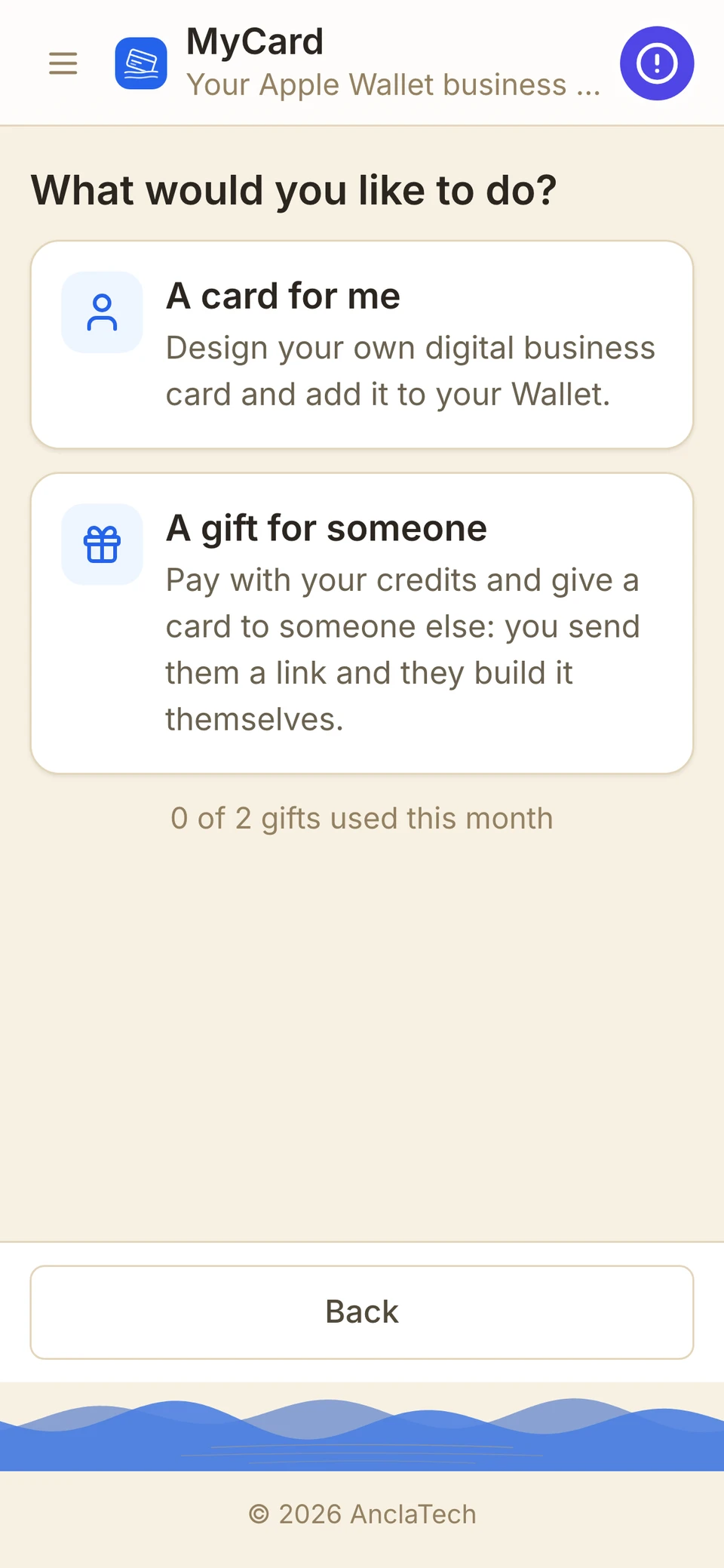
Start a gift
Open MyCard and choose “A gift for someone”. You pay with your credits, and you send a link: the person builds their own card.
Example with a fictional sender and recipient.
Your business card, in your Apple Wallet
Design a digital business card with your name, your logo, your colors and a contact QR code, and add it to your Apple Wallet in minutes. Anyone can scan it to save your contact — no app to install.
Are you a company? See MyCard Business
John Michael
TITLE
General Manager
COMPANY
AnclaTech
PHONE
+1 (617) 917-9629
info@anclado.app
Scan to save contact
How it works
Design it
Type your details, pick an icon or upload your logo, and choose your colors.
Preview it
See your card exactly as it will look in Wallet before you pay anything.
Add it to Wallet
Pay once, download your card and add it to Apple Wallet — or email it to yourself.
Choose your level
Every purchase is one card. The level decides how much you can customize it.
$2.99
- 10 icons to choose from
- 5 color palettes
$5
- 15 icons to choose from
- 15 color palettes
$10
- Every icon in the catalog
- Every palette and custom colors
- Your own logo or photo
- All 3D icons

Google Wallet for Android phones is on its way. For now, your card works with Apple Wallet on iPhone and iPad.
Works with Apple Wallet on iPhone. Each purchase is one card, with one later modification; name and company are locked once the card is issued.
Payments are processed securely by Stripe. Purchases are non-refundable.
Business cards for your whole team
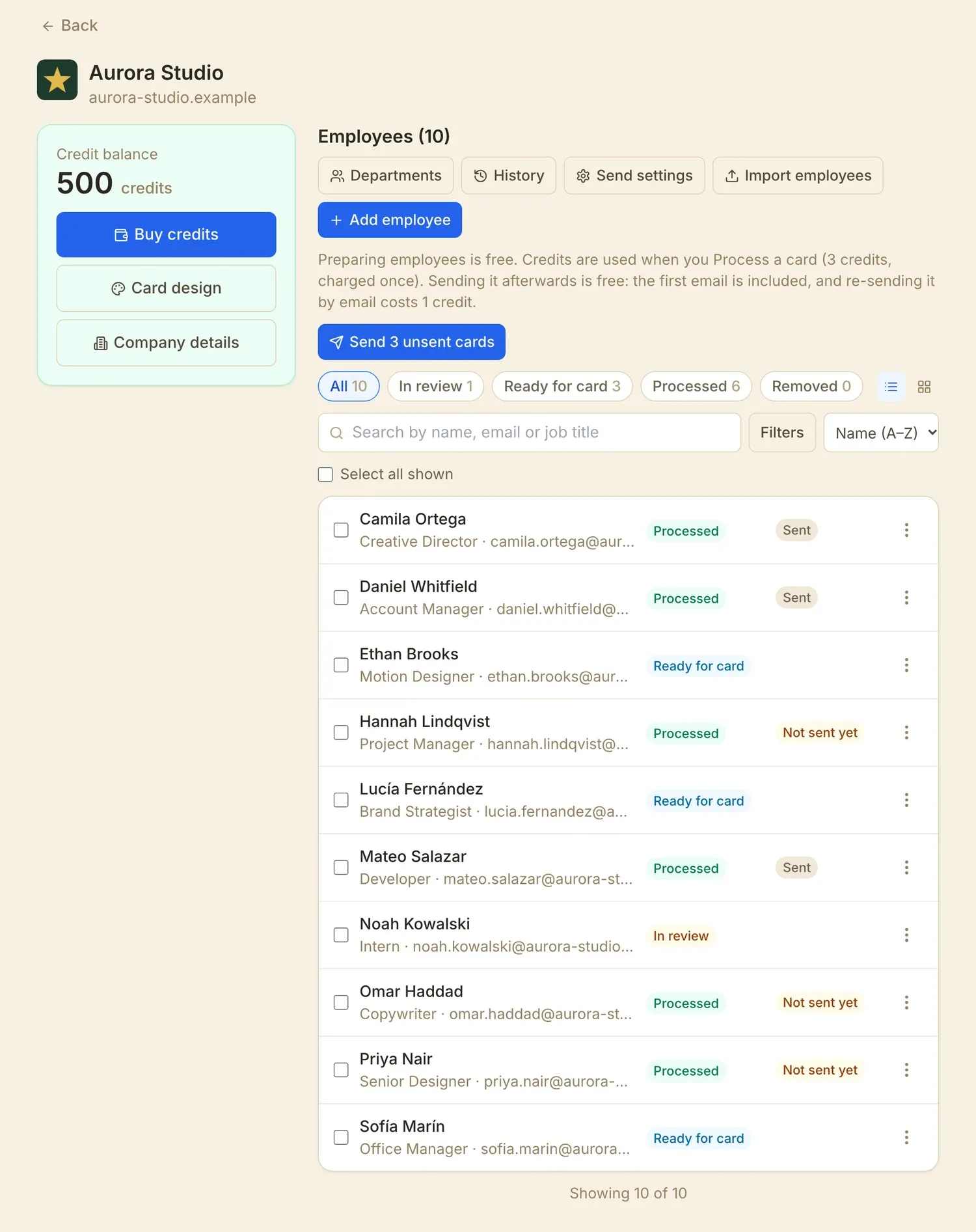
Give every employee a digital business card in Apple Wallet, with your company's logo and colors. You prepare the list and approve it; we email each person a link to add their card on their iPhone. Your employees don't need an Anclado account.
- Import your team from a spreadsheet, or add people one by one.
- One design for everyone: your logo, your colors, and the department on the back if you want.
- You review everything first. Credits are only used when you approve a card, and you see the total before you confirm.
- Cards are emailed in a careful, paced way so they reach inboxes. You follow the progress, can schedule the send and cancel it.
- Every company is verified before it can issue cards.
Companies are reviewed before they can issue cards, and each employee's email must belong to the company's domain. The credits and what each action uses are shown in the app before you confirm anything. Terms of Service §6C
Ready to carry your card everywhere?
Create a free account, design your card, and pay only when you are happy with the preview.
Create your card